Loading
THE PROBLEM
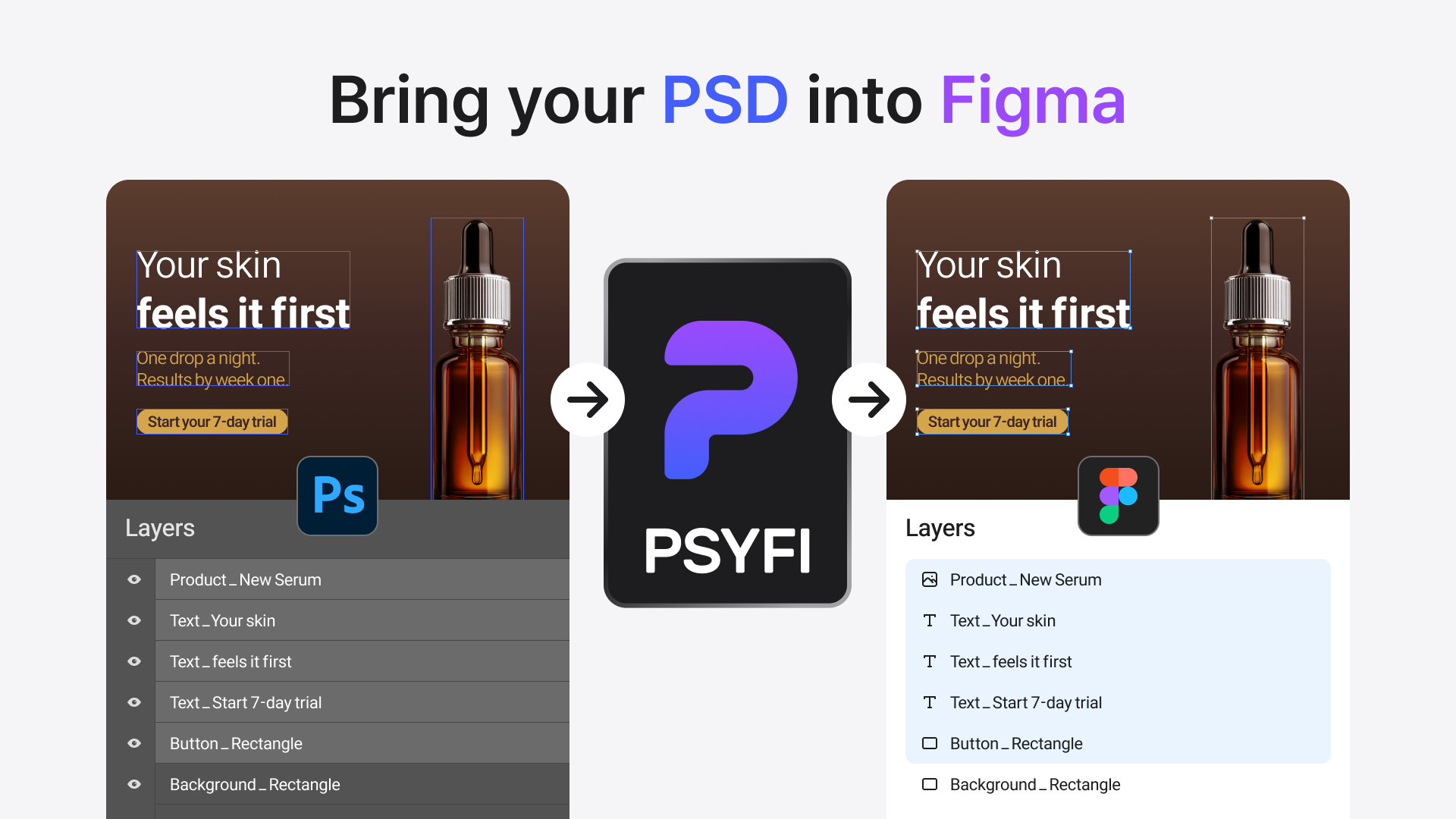
Pasting a PSD export into Figma gives you one flat bitmap. Every text edit, every color tweak means going back to Photoshop.
CAPABILITIES
PRICING
Prices in USD. KRW equivalent charged at checkout via Toss Payments.
Recreating a campaign design by hand — repositioning text, re-cutting images, matching styles — burns hours per file.
Hand-rebuilt layouts never quite match: font sizes shift, leading changes, elements land a few pixels off.
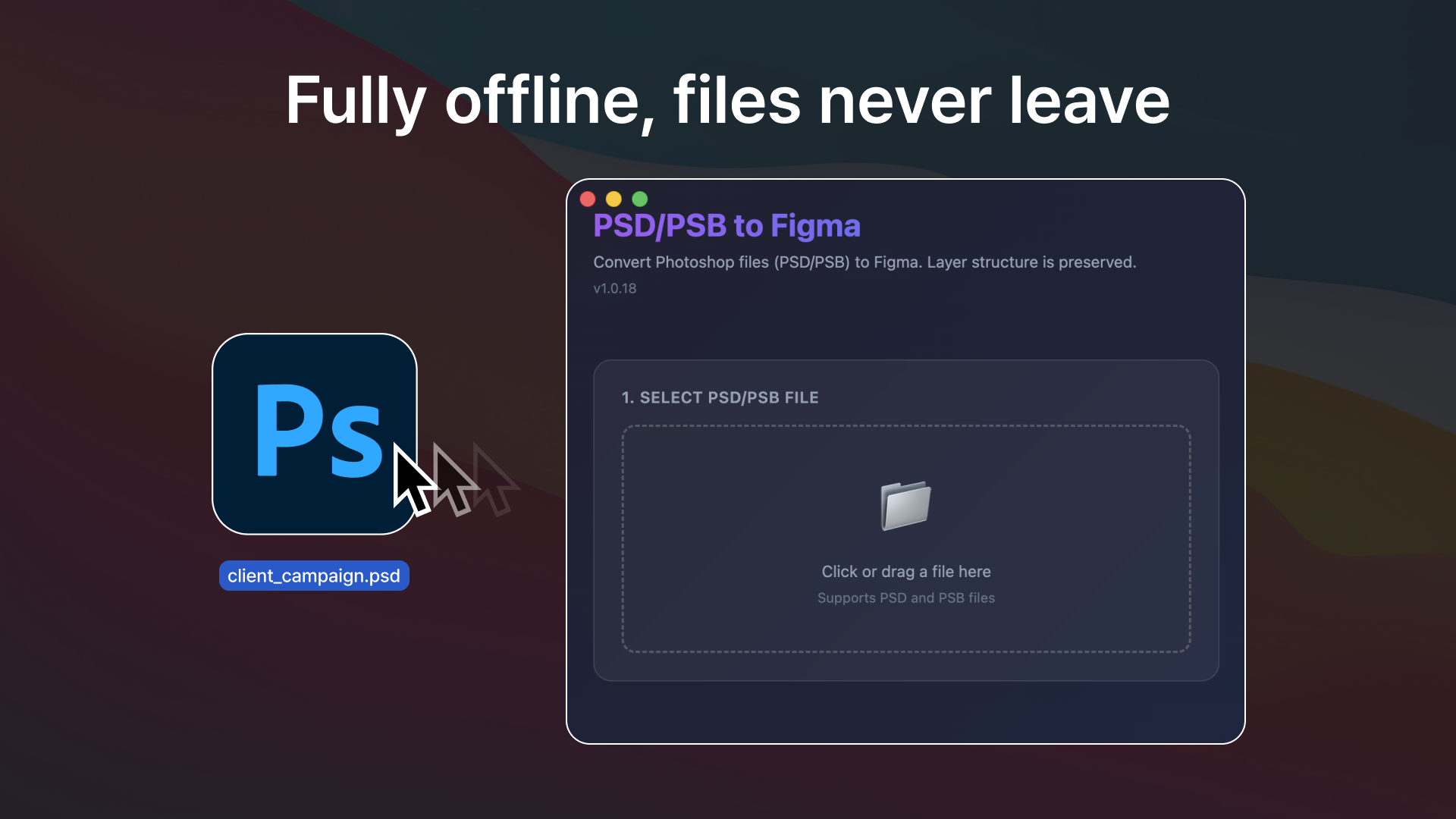
Most converters upload your PSD to their servers. Client work under NDA shouldn't leave your machine.
THE FIX
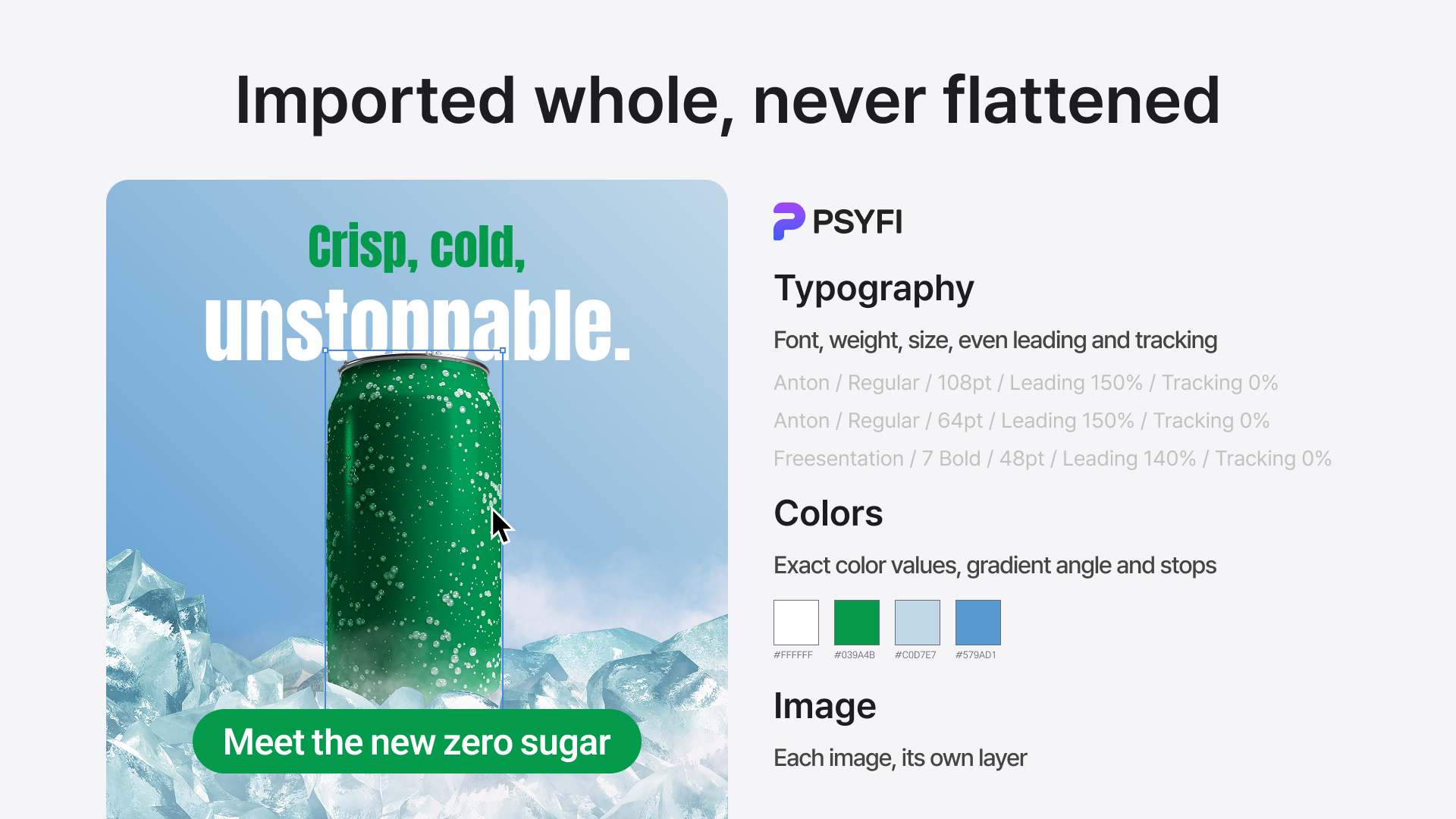
Psyfi reads the PSD itself — not a render of it. Typography arrives as live text with font, weight, size, leading and tracking. Colors keep their exact values, gradients keep their angle and stops. Every image lands on its own layer, exactly where it was.
INSIDE THE PLUGIN
One pick-a-file step on the surface — six stages underneath. Everything below runs inside the plugin window on your machine.
AFTER IMPORT
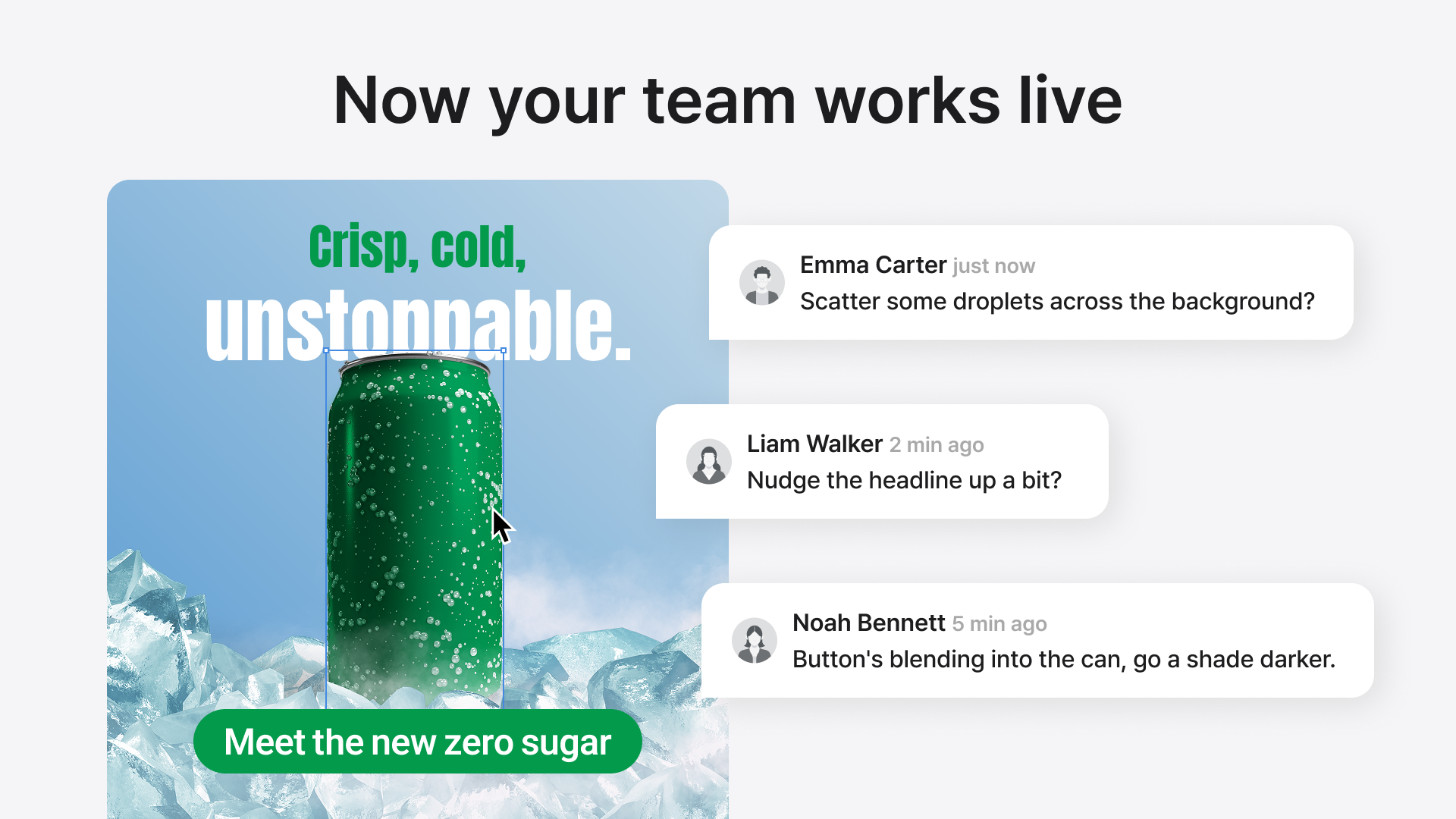
The moment the frame lands, it behaves like any Figma design: teammates comment on real layers, nudge the headline, restyle the button — no re-export loop back to Photoshop.
PRIVACY
Conversion is 100% on-device: your PSD is parsed and rebuilt inside the plugin, and no file content is ever uploaded. The only network traffic is a license check to api.ontooler.com — nothing else goes out.
WHAT CHANGES
A campaign PSD becomes an editable Figma frame in seconds — no rebuild step in the schedule.
Designers keep working in one tool; Photoshop stays open only for actual photo work.
Reviews move to Figma comments on live layers instead of annotated screenshots.
NDA-bound client files stay on the machine — the only network traffic is the license check.